


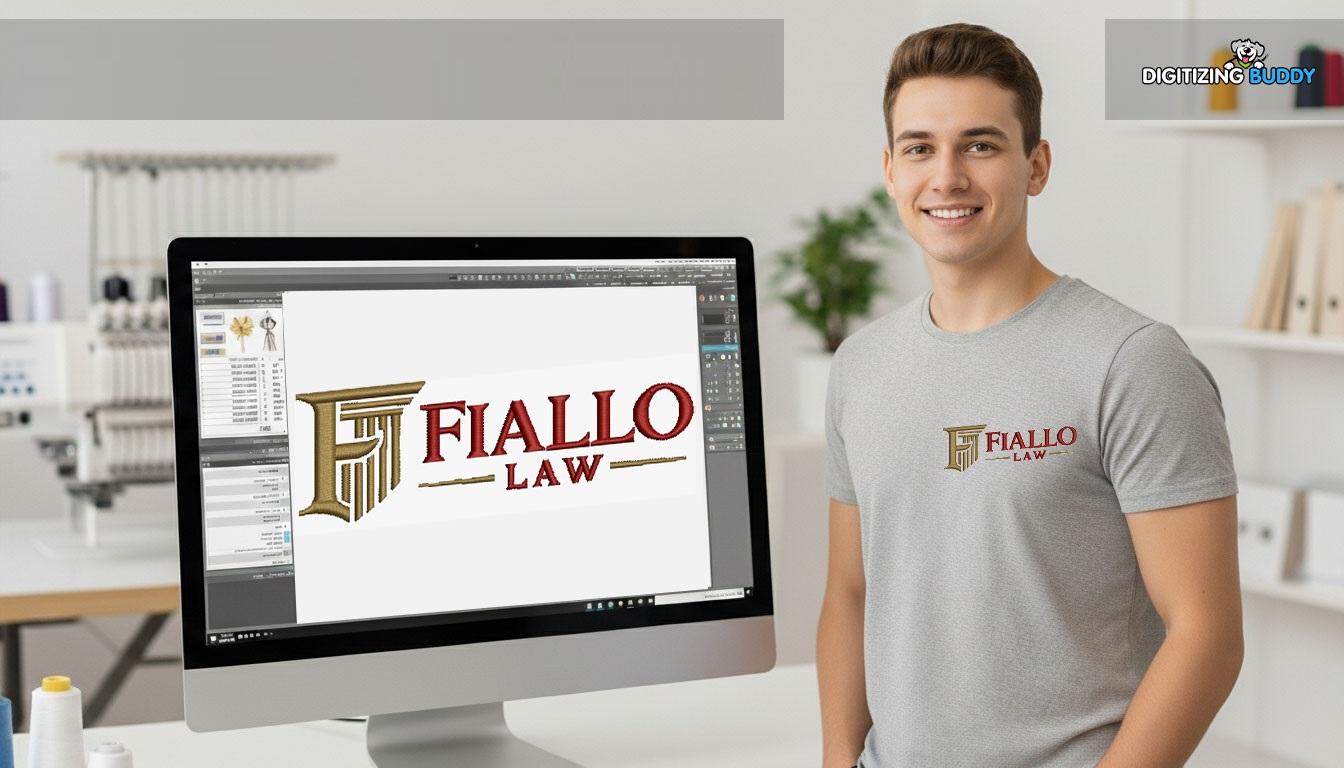
A clean shirt front logo can make a simple shirt look like a branded product. It adds value and trust. Many small shops and new users want their logos to look sharp on the left chest area. But small mistakes can make the design look messy or off balance.If you are learning how to work with embroidery files, then you will often hear people talk about Digitize Left Chest Logo for Embroidery. This is because chest logos need extra care. They are small, and even a tiny error can show clearly on fabric. Good planning helps you avoid that.
Why Shirt Front Logos Need Extra Care
Left chest logos are small but very visible. People notice them first on uniforms, polo shirts, and workwear.
Common Issues with Chest Logos
-
Text looks too tight
-
Logo feels off center
-
Design looks too thick
-
Small details disappear
-
Shapes look uneven
Even strong designs can fail if not adjusted for embroidery.
Start with a Clean Design
A strong logo file always starts with clean artwork.
Best Artwork Types
-
Vector files (like SVG or AI)
-
High quality PNG images
-
Simple line logos
-
Bold brand marks
Avoid These
-
Blurry images
-
Low resolution screenshots
-
Very detailed drawings
-
Thin artistic logos
Clean art gives clean stitch results.
Keep the Design Simple
Small chest space does not allow heavy detail.
Why Simplicity Matters
Embroidery thread is thick compared to digital lines. Too much detail gets lost.
Smart Simplification
-
Remove tiny shapes
-
Reduce color count
-
Merge small elements
-
Keep bold outlines
-
Focus on main brand icon
Simple logos look more professional on shirts.
Set the Right Size Early
Size is one of the most important steps.
Typical Chest Size Range
Most chest logos are small and need balanced proportions to stay readable.
Why Size Planning Helps
-
Prevents overcrowding
-
Keeps text readable
-
Improves stitch clarity
-
Avoids distortion
Do not design large and shrink later. Plan the final size first.
Place the Logo in the Right Spot
Placement affects the final look more than people think.
Standard Position Area
-
Left side of chest
-
Slightly above pocket line
-
Center aligned with shirt seam
Common Mistake
Many beginners place logos too low or too close to the center. This makes shirts look uneven.
Use Proper Stitch Types
Different parts of a logo need different stitches.
Satin Stitch
Best for:
-
Text
-
Borders
-
Thin shapes
Fill Stitch
Best for:
-
Large solid areas
-
Background shapes
Run Stitch
Best for:
-
Fine outlines
-
Small details
Using the right stitch type improves clarity and balance.
Balance Stitch Density
Density controls how tight stitches are packed.
High Density Problems
-
Hard fabric feel
-
Thread breaks
-
Puckering
-
Heavy look
Low Density Problems
-
Gaps in design
-
Weak color cover
-
Unfinished look
A balanced setting is key for chest logos.
Use Underlay for Stability
Underlay is hidden stitching that supports the top layer.
Why It Matters
-
Keeps fabric flat
-
Helps shape stay firm
-
Improves stitch hold
-
Reduces fabric movement
Without underlay, small logos often lose shape.
Watch Fabric Type
Chest logos behave differently on different fabrics.
Easy Fabrics
-
Cotton shirts
-
Twill shirts
-
Polo blends
Hard Fabrics
-
Stretch tees
-
Soft knits
-
Thin fabrics
Soft fabric needs more support and careful settings.
Use Correct Stabilizer
Backing helps control fabric movement.
Cut Away Stabilizer
Best for:
-
Polo shirts
-
Stretch fabrics
Tear Away Stabilizer
Best for:
-
Woven shirts
-
Light workwear
Topper Film
Useful when fabric is fluffy or uneven.
Keep Text Clear and Bold
Text is often part of chest logos.
Best Text Tips
-
Use bold fonts
-
Avoid thin letters
-
Keep spacing open
-
Increase readability
Small text must always be readable first.
Avoid Overcrowding the Design
Many beginners try to fit too much into a small space.
Result of Overcrowding
-
Messy stitching
-
Hard to read logo
-
Uneven shapes
-
Thread buildup
Less is more in embroidery design.
Control Stitch Direction
Direction affects how fabric moves.
Why It Matters
Stitches pull fabric in different directions. This can stretch or shrink shapes.
Smart Fix
-
Change fill angles
-
Balance stitch flow
-
Avoid long single direction runs
This helps keep shape stable.
Test Before Final Production
Never skip testing.
What to Check
-
Logo shape
-
Color accuracy
-
Text clarity
-
Fabric smoothness
-
Edge quality
Test on the same fabric type you will use in final work.
Real Experience Insight
In real shop work, chest logos often fail not because of machine error but because of file setup. I have seen clean vector logos turn messy simply because they were scaled without adjusting density.
One common case is polo shirts for staff uniforms. When the logo is too dense, fabric pulls and the chest area looks wrinkled. When adjusted with lighter density and better underlay, the same design looks clean and sharp.
This shows that setup matters more than software power.
Common Beginner Mistakes
Ignoring Final Size
Designing big and shrinking later causes problems.
Using Too Many Colors
More colors mean more stops and more chances of error.
Poor Placement
Even a good logo looks wrong if placed badly.
Skipping Stabilizer
Without backing, fabric moves too much.
No Sample Test
This leads to wasted shirts and time.
Keep File Organized
A clean file saves time later.
Good Practice
-
Label colors clearly
-
Keep stitch order logical
-
Remove unused elements
-
Save backup versions
Organization helps during production.
Think Like a Stitch Machine
A screen shows perfect shapes, but a machine follows thread rules.
Ask These Questions
-
Will fabric stretch?
-
Will thread pull shape?
-
Is spacing enough?
-
Will small parts close?
This mindset improves results.
Build Consistency in Every Design
Strong embroidery businesses use repeatable systems.
Consistency Tips
-
Use same size rules
-
Use same stabilizer types
-
Follow stitch settings guide
-
Keep test records
This builds trust with clients.
When to Make Adjustments
Not every design works on first try.
Adjust If You See
-
Closed letters
-
Uneven fill
-
Distorted shape
-
Fabric puckering
Small changes can fix big problems.
Final Thoughts
Building clean and balanced shirt front logo files is not about luck. It is about planning, simplicity, and control. When you choose the right size, use proper stitch types, and test on real fabric, your results improve fast.
Always keep designs simple and readable. Focus on placement, fabric support, and balanced settings. Over time, you will create chest logos that look sharp, professional, and ready for real-world use.
Good embroidery is not just design work. It is careful setup combined with real testing and experience.

 English
 Arabic
 French
 Spanish
 Portuguese
 Deutsch
 Turkish
 Dutch
Dutch
 Italiano
 Russian
 Romaian
 Greek
Greek