


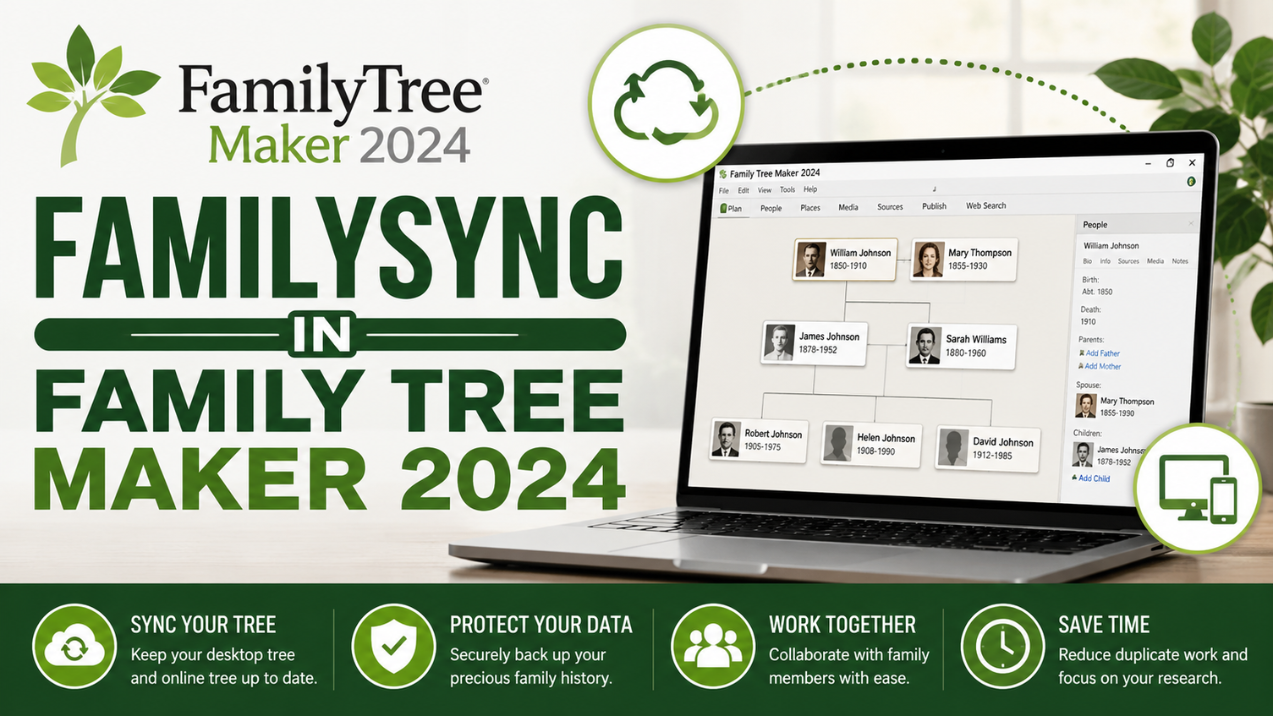
Family Tree Maker 2024 has become a favorite genealogy software for researchers who want to organize family history, attach historical records, and build accurate family trees. One of its standout features is the ability to synchronize your desktop tree with your linked Ancestry tree, allowing you to continue your research without manually updating information in two different places.
While this feature is incredibly convenient, it is important to understand that synchronization has limits. Many users expect every file stored on their computer to be copied during the process, but only genealogy-related information is designed to transfer. Knowing what stays on your computer can help you avoid confusion and keep your research protected.
The Purpose of Synchronization
Synchronization is designed to keep your family tree data consistent across both your desktop software and your linked online tree. Whenever you add a new family member, update dates, edit relationships, attach records, or include photographs, those genealogy changes can generally be synchronized between both locations.
The goal is to maintain an accurate family tree rather than duplicate your entire software installation. Because of this, several computer-specific items remain stored locally.
This makes the synchronization process faster, more reliable, and less likely to create unnecessary conflicts.
Why Certain Information Isn't Transferred
Every computer has its own operating system, printer settings, display preferences, and software configurations. These settings affect how the program works on your device but have no impact on the genealogy data itself.
Instead of synchronizing these personal settings, Family Tree Maker stores them locally. This allows each computer to maintain its own customized workspace while ensuring that the family tree remains consistent.
It also reduces the amount of unnecessary information being transferred during every synchronization session.
Understanding FamilySync In Family Tree Maker 2024
Many users believe FamilySync In Family Tree Maker 2024 works like a complete cloud backup, but its purpose is much more specific. It synchronizes genealogy information between your desktop software and your linked Ancestry tree while leaving many computer-specific files untouched.
Examples of information that normally remains on your computer include:
- Application preferences
- Display and workspace settings
- Custom report layouts
- Printer configurations
- Local backup files
- Temporary program files
- Cache data
- Saved chart formatting
- Personal software preferences
- Desktop-only configuration files
- Local media folder structure
These files are unique to your computer and are not considered part of the genealogy database. As a result, they are intentionally excluded from synchronization.
Why You Should Never Rely on Sync Alone
Synchronization is an excellent way to keep your tree updated, but it should never be treated as your only protection against data loss.
If an incorrect edit is synchronized, that change can appear in both your desktop and online trees. A backup, however, preserves an earlier version that you can restore whenever necessary.
For this reason, experienced genealogists recommend creating regular backup files before making major edits, installing software updates, or starting a synchronization session.
Moving Your Tree to Another Computer
Many people purchase a new computer and expect synchronization to recreate their entire Family Tree Maker workspace. Although your genealogy information can be synchronized, your personal software settings will not automatically transfer.
Custom reports, saved layouts, backup files, chart preferences, and printer settings remain on the original computer unless you restore a backup.
Using a recent backup file is the easiest way to move both your genealogy data and your customized working environment to a new device.
Helpful Tips for Better Synchronization
A few simple habits can help you avoid common synchronization issues.
Always create a backup before syncing your tree. Make sure your internet connection is stable and avoid interrupting the synchronization process before it finishes. If changes have been made on both the desktop and online versions, carefully review any prompts before confirming the synchronization.
Keeping your software updated and organizing your media files consistently can also improve the overall synchronization experience.
Final Thoughts
Synchronization is one of the most valuable tools available in Family Tree Maker 2024 because it keeps your genealogy research updated across multiple platforms. However, understanding its limitations is just as important as knowing its benefits.

 Arabic
 French
 Spanish
 Portuguese
 Deutsch
 Turkish
 Dutch
Dutch
 Italiano
 Russian
 Romaian
 Portuguese (Brazil)
 Greek
Greek