


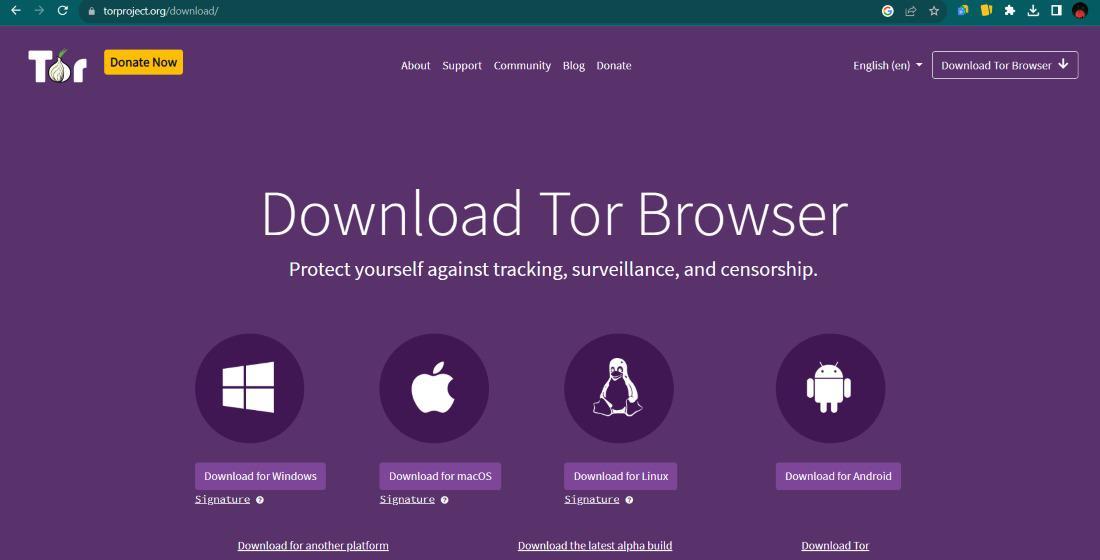
Did you know that in multiple countries, simply trying to open a privacy focused browser can immediately alert your internet service provider to your activities? While the Tor network is a famous tool for staying anonymous, its standard entry points are public and easy for governments or companies to block - this is where bridges become essential for anyone living under strict digital oversight. You can think of them as secret paths into a room that everyone else thinks is locked from the outside.
Digital privacy is not about hiding illegal acts - it is about reclaiming the right to read, speak and learn without someone watching over your shoulder. When you connect to the internet normally, your computer sends out data packets that act like postcards. Anyone who handles that postcard can see who sent it and where it is going. Using specific tools changes those postcards into sealed, unmarked envelopes that travel through a maze before reaching their destination.
Understanding the Role of the Tor Network
The Tor network functions - bouncing your connection through three different layers of volunteer run servers. Each layer peels away a piece of encryption, much like an onion - that no single server knows both the source and the destination of the data - this system is incredibly effective at masking your identity from the websites you visit and hiding your physical location from prying eyes.
However, because the list of standard "guard" nodes is public, an internet provider can see that you are connecting to the Tor network even if they cannot see what you are doing inside it. In places with heavy censorship, this connection attempt is often enough to trigger a block. You are left with a browser that refuses to connect, leaving you stranded on the standard, monitored web. Privacy enthusiasts often look for a deeper explanation of anonymous browsing to solve these specific connection hurdles.
How Bridges Bypass Connection Blockages
Bridges are private relays that are not listed in the main directory. Because they are hidden, it is much harder for an automated system to block them all right away. They act as a middleman that looks like regular, innocent traffic. Some bridges even use "pluggable transports" which transform your data stream so it looks like a standard video call or a routine software update to anyone watching the network.
Using a bridge is often the only way to access the free web in restricted regions. They are maintained by volunteers who want to ensure that information remains accessible to everyone, regardless of their geographic location. Since these addresses change and update frequently, the cat-and-mouse game between censors and privacy advocates continues daily. If you are just starting, you might find a privacy-focused browsing guide helpful for setting up your first secure connection.
Methods to Locate & Add Reliable Bridges
Getting a bridge address is a straightforward process but it requires a bit of manual effort to ensure you are getting a clean, working link. You can usually request them directly through your browser settings or - sending a message to a verified automated email service. Once you have the strings of numbers and letters, you simply paste them into the network settings of your software.
- Built-in Bridges
Many modern privacy browsers come with a few pre installed options like "obfs4" which are very good at disguising traffic. - Email Requests
Sending an email to "bridges@torproject.org" from a Gmail or Riseup account is a reliable way to get fresh addresses. - Moat
This is an interactive tool within the browser that lets you request a bridge without leaving the application.
Once the bridge is active, your connection might feel slightly slower than usual - this is a normal trade off. The data is taking a more complex route to ensure that your local network provider cannot tell you are using an anonymity tool. Accuracy and patience are key when configuring the settings for the first time.
Digital Privacy Habits for Secure Browsing
A bridge alone is not a magic shield - Your behavior online matters just as much as the tools you use. If you log into your personal social media account while using a bridge, you have effectively told the service exactly who you are, defeating the purpose of the mask. Staying safe requires a shift in how you interact with websites and the data you choose to share.
Many users choose to separate their "public" internet life from their "private" internet life - using different devices or strictly different software. It is also wise to avoid downloading large files or using torrents over these networks, as it slows down the system for everyone else and can sometimes leak your real IP address. For those looking for specific services, checking a background on privacy tools can help in choosing the right platforms for secure transactions.
Navigating the Dark Web with Verified Directories
When you are successfully connected through a bridge, you might want to explore the "onion" side of the web - this area is not indexed by standard search engines - finding your way around can be difficult. It is full of forums, libraries and communication tools that prioritize user safety above all else. Because it is unmapped, there are many broken links and old sites that no longer work.
Using a directory is the most efficient way to find what you need - these lists categorize sites so you can find news outlets, academic archives or secure marketplaces without clicking on random, dangerous links. Reliable directories are updated by the community to ensure the links are still active and safe to visit. You can find more details in an overview of Tor network systems and how they organize these hidden services.
Always remember that the goal of using the tools is to maintain your autonomy. The internet was designed to be a decentralized space for the exchange of ideas. By using bridges and directories, you are helping to keep that original vision alive, even when certain forces try to restrict it. Stay curious, stay careful and always keep your software updated to the latest version.
FAQ
Are Tor bridges illegal to use?
In most countries, using bridges is perfectly legal - They are simply a way to route your data. Some strictly controlled regions might have laws against using any tools that bypass national firewalls. You should always check your local regulations if you are unsure.
Do bridges make my internet slower?
Yes, you will likely notice a decrease in speed - Because your data has to travel through extra "stops" to stay hidden, it takes longer for a website to load. For most text based browsing and basic communication, the speed is more than enough.
Can my ISP see that I am using a bridge?
While a bridge is designed to hide the fact that you are using Tor, it is not 100 % invisible. Advanced network analysis might show that you are connected to an unknown IP address. The bridge makes it much harder for them to identify what that connection actually is compared to a standard entry point.
How often should I change my bridge?
You only need to change your bridge if it stops working - If you find that your browser is no longer connecting, the bridge might have been discovered and blocked. In that case, simply request a new set of addresses and update your settings.

 English
 French
 Spanish
 Portuguese
 Deutsch
 Turkish
 Dutch
Dutch
 Italiano
 Russian
 Romaian
 Portuguese (Brazil)
 Greek
Greek